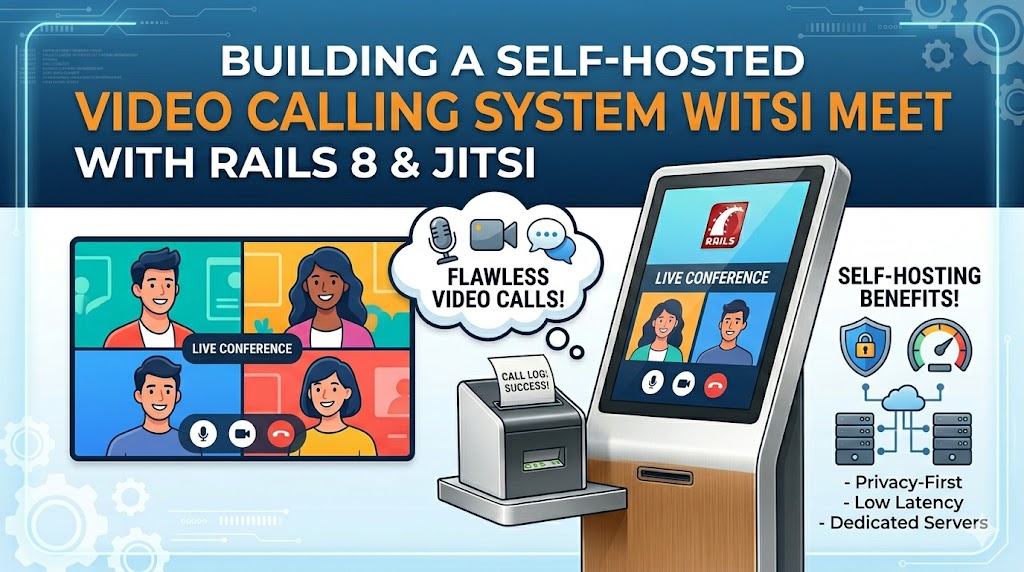
In Parts 1 and 2, we built the Rails integration — models, JWT auth, iframe embedding, and real-time notifications with ActionCable. Everything works with the free meet.jit.si servers, but with a 5-minute embed limit and no branding control. Now we deploy our own Jitsi server.
Why Self-Host?
| Feature | meet.jit.si (free) | Self-hosted |
|---|---|---|
| Embed time limit | 5 minutes | Unlimited |
| Custom branding | No | Full control |
| JWT authentication | No | Moderator roles |
| Data privacy | Third-party servers | Your infrastructure |
| Cost | Free | ~$5/month |
The Setup: Two-Server Architecture
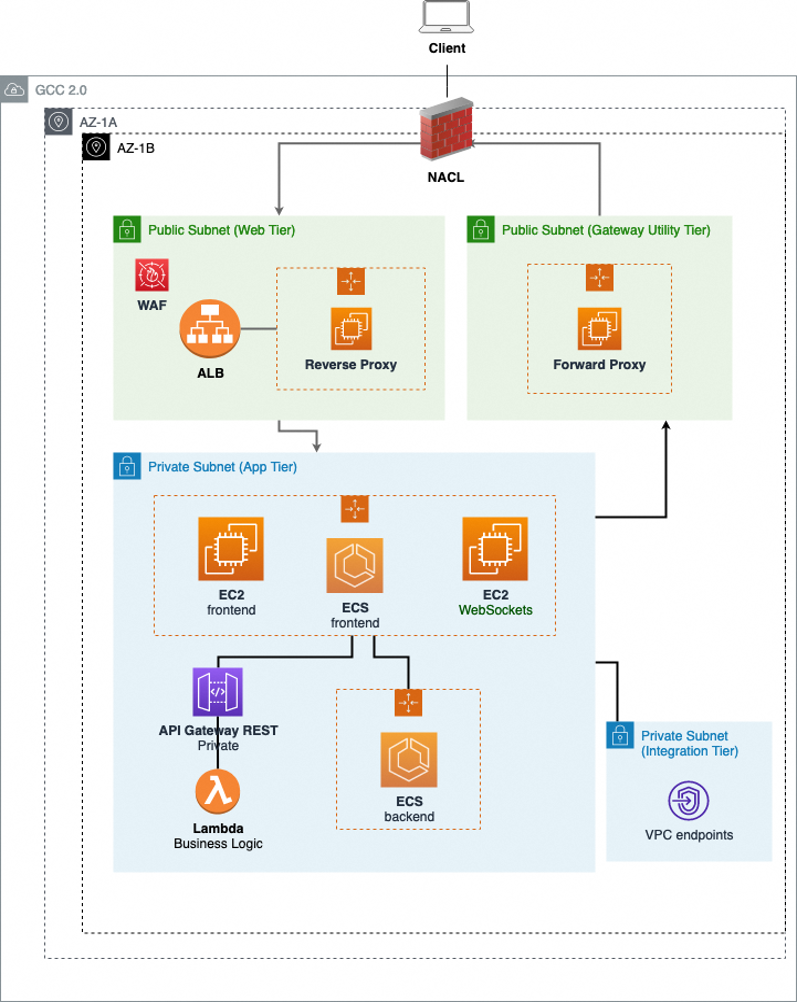
Your Rails app and Jitsi must run on separate servers. Jitsi operates its own Nginx, XMPP server (Prosody), focus component (Jicofo), and video bridge (JVB) — all CPU-intensive and port-conflicting. Sharing a server causes both services to degrade.
Your App Server                    Jitsi Server
(Rails + PostgreSQL)               (Video Infrastructure)
┌──────────────────┐               ┌──────────────────┐
│  yourapp.com     │───iframe──►   │  jitsi.yourapp.com│
│  Port 443        │───JWT────►    │  Port 443 + UDP   │
│  Managed deploy  │               │  10000             │
└──────────────────┘               └──────────────────┘
Server Requirements
A 2 vCPU / 4GB RAM VPS handles approximately 50 concurrent video participants. For a school or small business, this is more than sufficient. Hetzner, DigitalOcean, Linode, or any VPS provider works.
DNS: Create an A record for your subdomain pointing to the Jitsi server IP. If using Cloudflare, disable the proxy (DNS only) — Jitsi requires direct UDP access for video traffic.
Installation Overview
The Jitsi installation itself is straightforward — the project provides official packages for Debian/Ubuntu. The steps are:
- Set the hostname to match your subdomain
- Install
jitsi-meetfrom the official repository (handles Nginx, Prosody, Jicofo, JVB) - Obtain SSL via the included Let's Encrypt script
- Enable JWT authentication via the
jitsi-meet-tokenspackage
At this point you have a working Jitsi server at https://jitsi.yourapp.com.
JWT Authentication: The Critical Part
JWT is what connects your Rails app to Jitsi securely. Without it, anyone with a room link can join. With it, only users holding a valid token can connect, and the token determines who's a moderator.
The flow:
1. User clicks "Join" in your Rails app
2. JitsiTokenService generates a signed JWT with the user's name, email, and moderator flag
3. The token is appended to the Jitsi iframe URL
4. Prosody (Jitsi's XMPP server) validates the token signature against the shared secret
5. If valid, user joins with the correct role
What the token contains:
json

{

  "iss": "yourapp",

  "sub": "jitsi.yourapp.com",

  "aud": "jitsi",

  "room": "meeting-room-name",

  "moderator": true,

  "context": {

    "user": {

      "name": "Dr. Smith",

      "email": "smith@school.edu",

      "moderator": "true"

    }

  }

}
Configuration: Both your Rails app and Prosody share the same app_id and app_secret. The Rails app signs tokens with the secret; Prosody validates them.
The Lua 5.4 Challenge
If you're deploying on Ubuntu 24.04, you'll encounter a compatibility issue. Prosody 13 uses Lua 5.4, but the Jitsi token libraries may install for Lua 5.1 by default. The symptoms:
warn  No available SASL mechanisms, verify that the configured
      authentication module 'token' is loaded and configured correctly
The fix involves:
- Installing Lua 5.4 development headers
- Building the JWT library specifically for Lua 5.4 using luarocks
- Installing an often-missed dependency (inspect module) that the token utility requires but isn't listed as a formal dependency
This is the step that causes the most frustration in production deployments. The error message is generic and doesn't indicate which specific library is missing.
Custom Branding
Once Jitsi is running, you'll want to replace all traces of "Jitsi" with your own identity. The branding touches several files:
Image files to replace:
- watermark.svg / watermark.png — logo shown in video calls
- jitsilogo.png — used on the welcome page and meta tags
- logo-deep-linking.png — mobile deep link pages
- PWA icons in the static/pwa/ directory
- favicon.ico
Configuration changes:
- interface_config.js — controls APP_NAME, PROVIDER_NAME, DEFAULT_BACKGROUND, watermark visibility, and mobile app promo
- title.html — page title and meta description
- Main config file — disableDeepLinking for mobile web support
CSS override for watermarks:
Modern Jitsi loads watermark images through its React bundle, not static CSS. To ensure your logo appears for ALL participants (not just the meeting creator), you may need to append a CSS override to all.css that forces the watermark background-image.
Pro tip: Create a shell script that performs all branding changes in one run. After your first manual setup, subsequent servers take 2 minutes to brand.
Connecting to Your Rails App
The connection requires exactly three environment variables:
JITSI_DOMAIN=jitsi.yourapp.com
JITSI_APP_ID=yourapp
JITSI_SECRET=your-shared-secret
Your JitsiTokenService (from Part 1) checks for these automatically:
- Present → generates signed JWT tokens, uses your Jitsi server
- Absent → returns nil, falls back to meet.jit.si anonymous access
This means the same codebase works in development (free servers) and production (your server) with zero code changes.
Mobile Considerations
Jitsi's default behaviour on mobile browsers is to redirect users to the Jitsi mobile app. When embedded in an iframe within your web app (or a WebView-based mobile app), this creates a poor experience — users see "Jitsi is not available on mobile" instead of the video call.
Web fix: Pass config.disableDeepLinking=true and config.mobileDynamicLink=undefined in the iframe URL hash parameters.
Native app fix: If you have a Hotwire Native or WebView-based Android/iOS app, the WebView needs explicit camera and microphone permission handling. Android's WebChromeClient must override onPermissionRequest to bridge between the web permission request and Android's runtime permission system. The app's manifest must also declare CAMERA and RECORD_AUDIO permissions.
Security Hardening
At minimum, configure UFW to only allow ports 22 (SSH), 80/443 (HTTPS), 10000/UDP (video bridge), and 3478/5349 (TURN). Consider disabling the Jitsi welcome page (enableWelcomePage: false) to prevent direct access — force all joins through your Rails app where authentication is enforced.
Cost Analysis
| Setup | Monthly Cost | Participants |
|---|---|---|
| 2 vCPU / 4GB | ~$5 | ~50 concurrent |
| 4 vCPU / 8GB | ~$8 | ~100 concurrent |
| 8 vCPU / 16GB | ~$14 | ~200 concurrent |
Compare to commercial solutions at $4-13 per user per month. For a 50-person organisation, that's $5 total vs $200-650/month.
Scaling is a VPS resize — power off, select larger plan, power on. No code changes, no migration, no downtime beyond the reboot.
Summary
Across this 3-part series we built:
- Part 1: Rails models, JWT token service, iframe embedding with Stimulus fallback
- Part 2: Real-time call notifications via ActionCable — popup, persistent banner, dashboard widgets
- Part 3: Self-hosted Jitsi on a $5/month VPS with JWT auth, custom branding, and mobile support
The same architecture serves:
- School virtual classrooms and staff meetings
- Telemedicine and patient consultations
- Remote team collaboration
- Customer support video calls
- Online tutoring and coaching platforms
The key insight: You don't need to build video infrastructure. Jitsi provides the entire WebRTC stack — you just need to embed it intelligently and control access with JWT. The Rails app remains the source of truth for who can join what, and Jitsi handles the video.
This series is based on a production deployment for a Nigerian secondary school management system serving 2,500+ students, 150+ teachers, and administrative staff across multiple portals.
Building something similar? Need help with the JWT setup, Lua compatibility issues, or ActionCable architecture? Get in touch — I've solved these problems in production and can save you the debugging time.
Leave a comment